

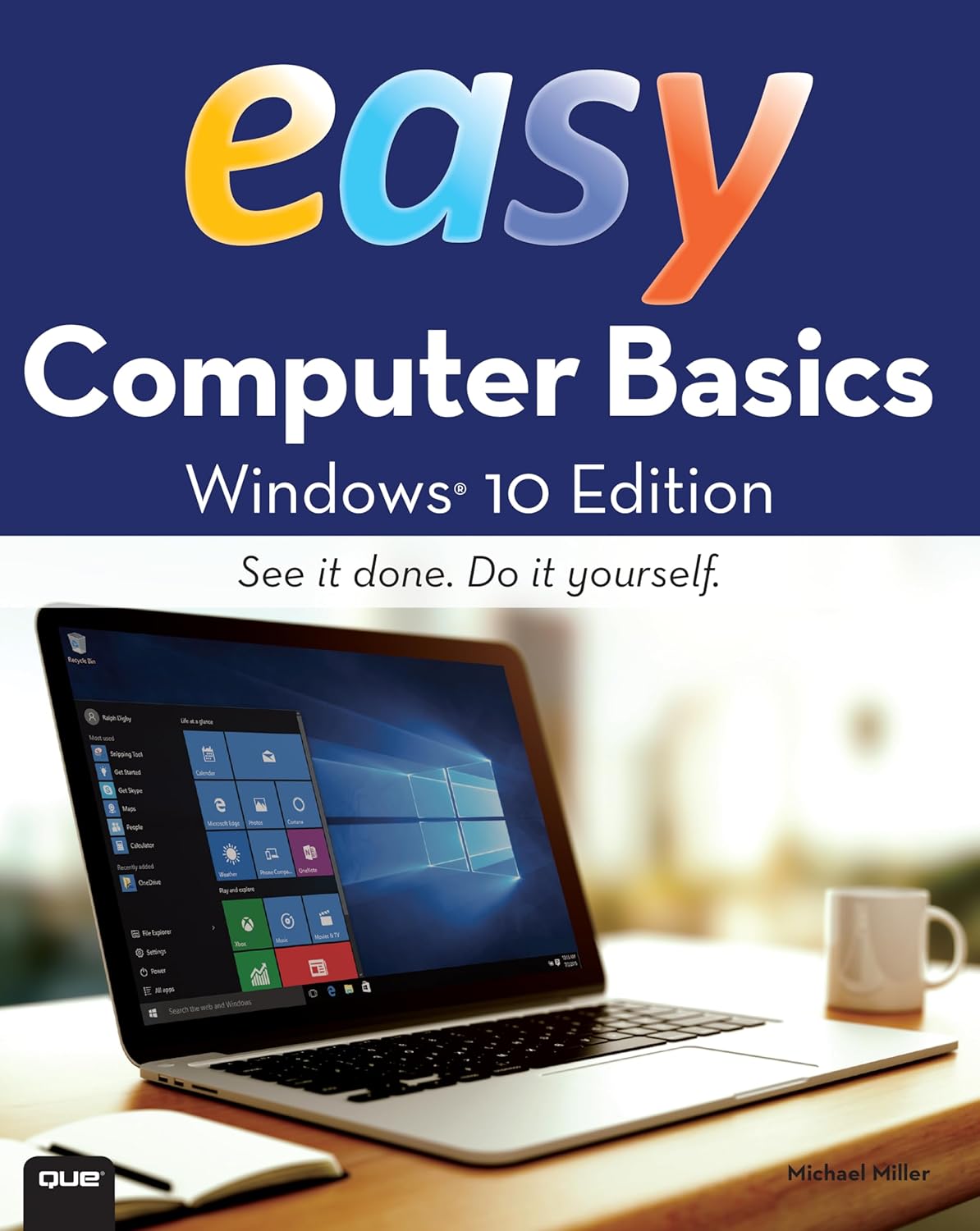
Windows 10: The Personal Trainer
Product details
| Management number | 231886905 | Release Date | 2026/06/18 | List Price | $3.44 | Model Number | 231886905 | ||
|---|---|---|---|---|---|---|---|---|---|
| Category | |||||||||
Your personalized 350-page guide to Windows 10 from one of the world's foremost Windows experts. Learn the new Microsoft operating system using this hands-on guide to mastering laptops, tablets, desktops and other computing devices running Windows 10. Whether you are a casual user, an IT professional or just someone who wants to learn how to use the operating system, you can learn everything you need to conquer the essentials by reading this book. Inside, you'll find practical advice and step by step procedures, documented examples and much, much more. One of the goals is to keep the content so concise that this personalized handbook remains compact and easy to navigate while at the same time being packed with as much information as possible. Click Look Inside and discover this hands-on computer handbook. Scroll to the top of the page and select the Buy Now button. Want something you can hold in your hands? Look also for the print edition! Table of Contents Introduction 8 What’s This Book About? 8 What Do I Need to Know? 9 How Is This Book Organized? 9 What Conventions Are Used in This Book? 10 Other Resources 10 Chapter 1. Getting to Know Windows 10 12 Using Touchscreens 13 Installation Notes 14 Getting Signed In 15 Local Accounts, Domain Accounts, Microsoft Accounts, Oh My! 17 Getting Around the New Desktops 20 Getting Around the New Start Menu 27 Entering and Exiting Tablet Mode 31 Customizing User Accounts 33 Chapter 2. Customizing the Windows 10 Interface 38 Boosting Your Desktop IQ 39 Making the Start Menu Work for You 54 Making the Taskbar Dance 62 Chapter 3. Personalizing the Appearance of Windows 10 72 Customizing Basic Interfaces 73 Optimizing Backgrounds, Themes and More 82 Chapter 4. Customizing Boot, Startup, and Power Options 118 Customizing Your Computer’s Firmware Interface 118 Getting Firmware and Power Management Information 131 Customizing Startup and Boot Configuration 133 Resolving Restart or Shutdown Issues 156 Chapter 5. Organizing, Searching, and Indexing 161 Exploring Your Computer in New Ways 161 Customizing File Explorer 174 Searching and Indexing Your Computer 185 Fine-Tuning Windows Search 189 Indexing Your Computer 208 Chapter 6. Managing Your Apps 216 Working with Desktop Apps 216 Installing Desktop Programs 224 Managing Desktop Programs and Features 236 Managing Currently Running Apps, Programs and Processes 248 Chapter 7. Tracking System Performance and Health 252 Getting to Know Your Computer’s Hardware 252 Checking Current Performance Levels 257 Event Logging and Viewing 268 Chapter 8. Analyzing and Logging Performance 273 Resolving Failures and Reliability Issues 273 Recording and Analyzing Performance Data 290 Chapter 9. Optimizing Performance Tips and Techniques 304 Optimizing Power Management Settings for Performance 304 Maintaining Performance with Updates 316 Optimizing Performance: Final Tune-up Suggestions 320 Automating Maintenance 333 About the Author 338 What’s This Book About? Windows 10: The Personal Trainer covers all editions of Windows 10. In this book, I teach you how features work, why they work the way they do, and how to customize them to meet your needs. I also offer specific examples of how certain features can meet your needs, and how you can use other features to troubleshoot and resolve issues you might have. In addition, this book provides tips, best practices, and examples of how to fine-tune all major aspects of Windows 10. This book won't just teach you how to configure Windows 10; it will teach you how to squeeze every last bit of power out of it and make the most of the features and options it includes. Read more
| ASIN | B00YPU4AH0 |
|---|---|
| XRay | Enabled |
| Language | English |
| File size | 10.4 MB |
| Page Flip | Enabled |
| Publisher | Stanek & Associates |
| Word Wise | Not Enabled |
| Print length | 348 pages |
| Accessibility | Learn more |
| Screen Reader | Supported |
| Part of series | The Personal Trainer |
| Publication date | July 29, 2015 |
| Enhanced typesetting | Enabled |
Bestseller ranking
Windows 10



Customers who viewed this product also viewed
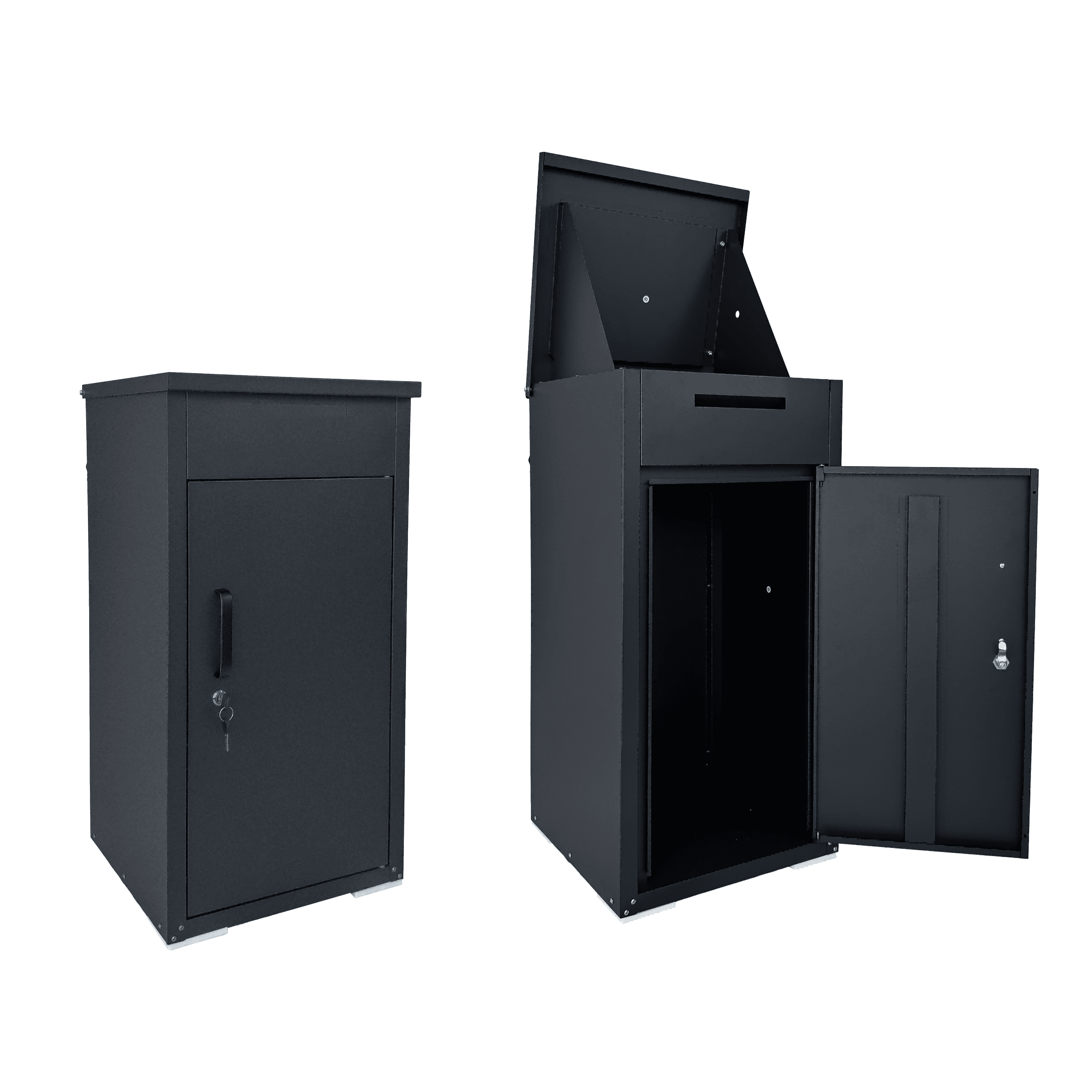
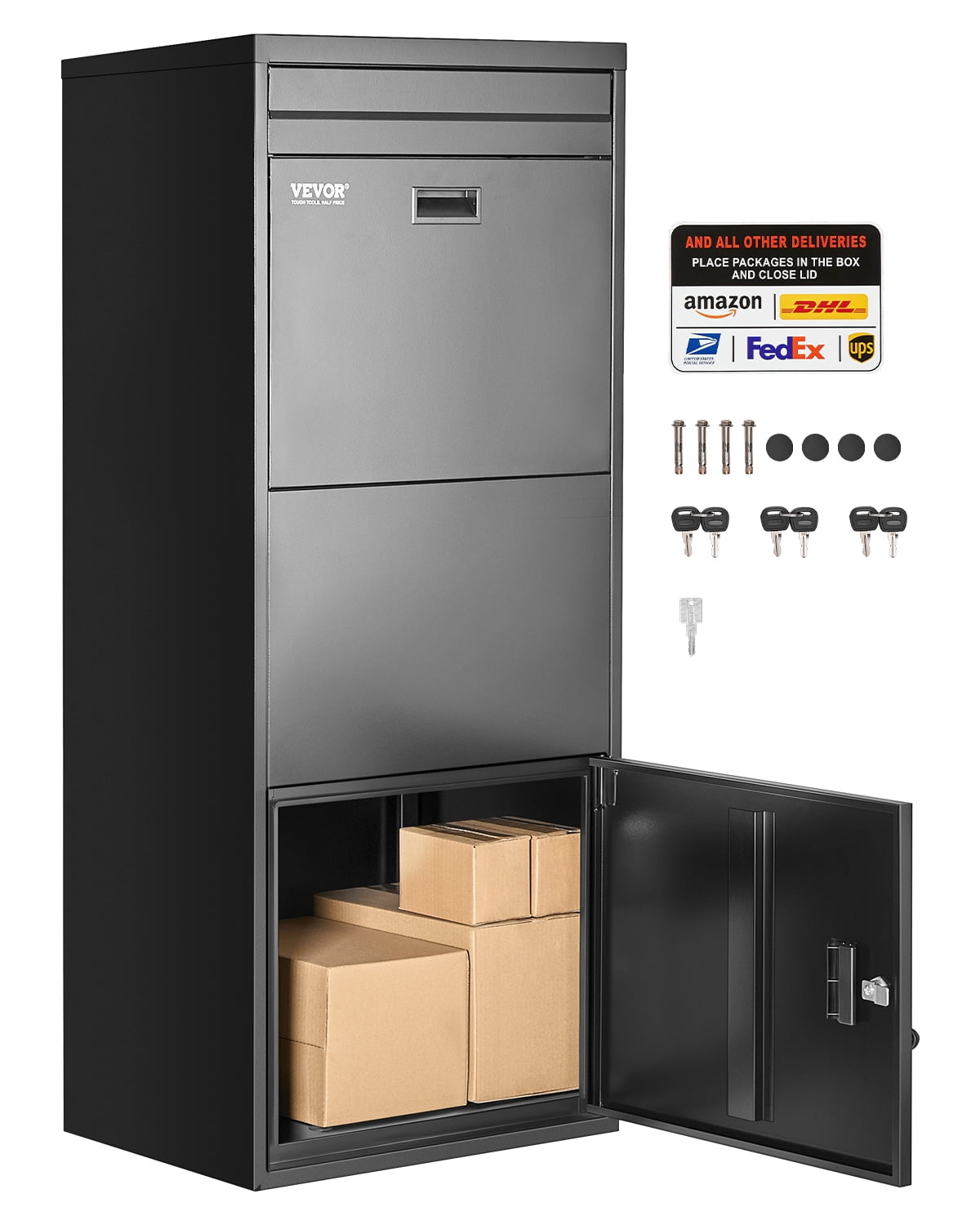
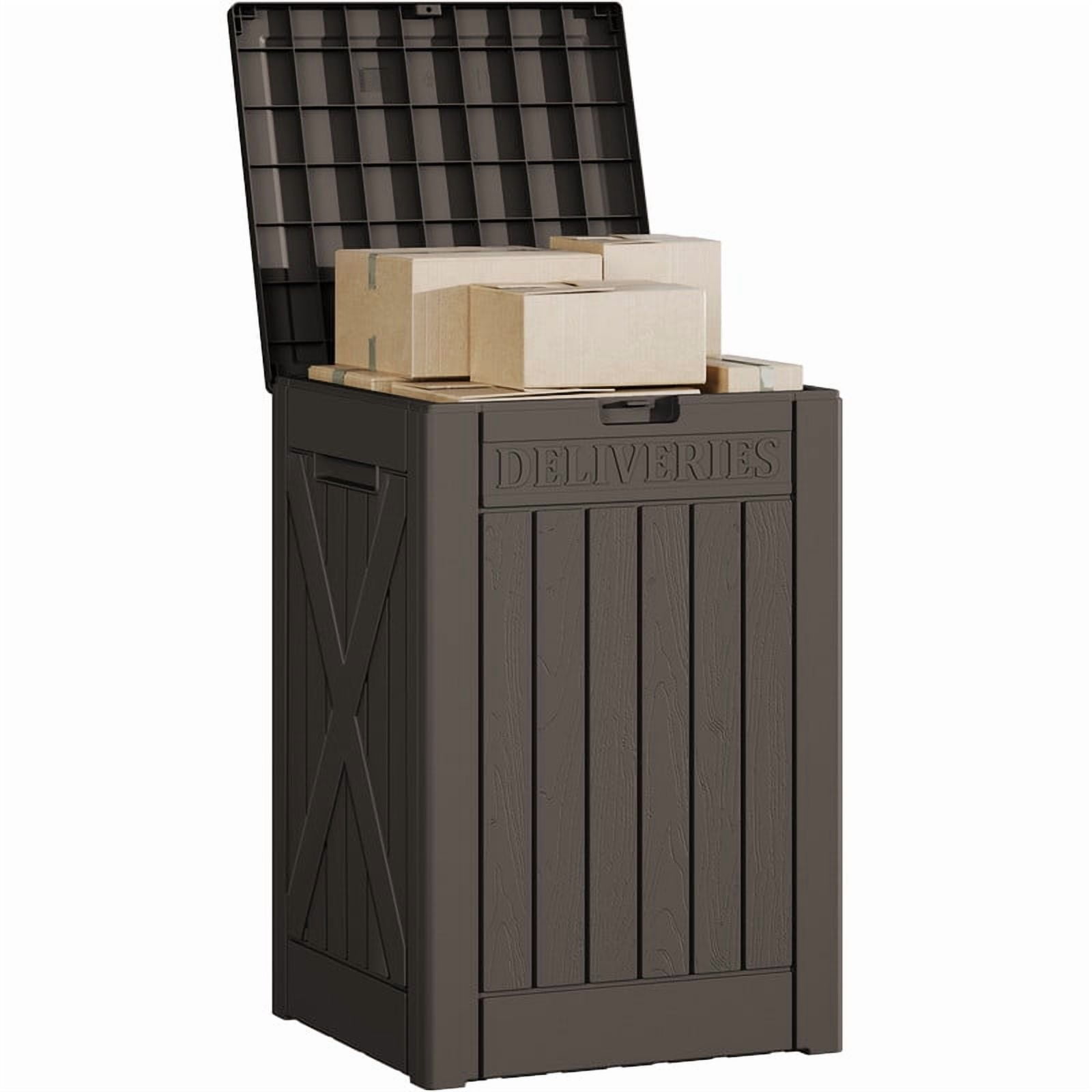
Parcel Drop Boxes
Correction of product information
If you notice any omissions or errors in the product information on this page, please use the correction request form below.
Correction Request Form